
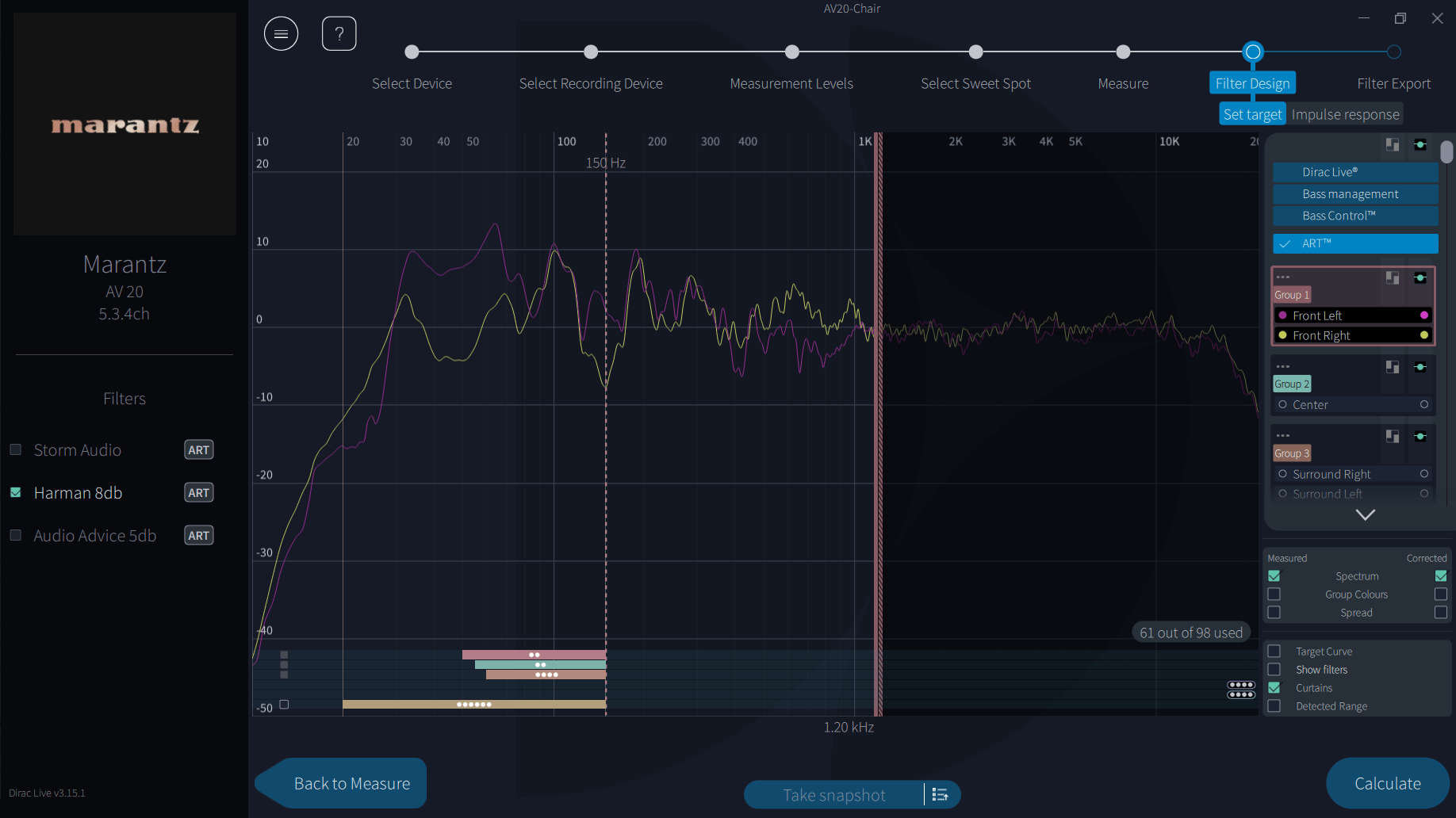
When you design an ART filter, some people see a small counter such as “61 of 98 used” on the Filter Design screen, and some never do. Nothing is wrong either way. Here’s what it means.
The simple answer
Beginner
Your receiver or processor can only run a fixed number of ART filters. The counter shows how many of them your current design is using.
- If your system has enough speakers that your ART design could run out of filters, the counter appears so you can see how close you are.
- If your system can’t possibly use them all, there’s nothing to warn you about, so the counter doesn’t appear.
Why the number goes up
With ART, every speaker that supports another speaker needs its own extra filter for that job. Each support connection you switch on adds filters, so the count climbs quickly as you add speakers, subwoofers and support groups.
How many filters are available depends on the device. Different manufacturers give ART different amounts of processing power.
What to do if you’re near or at the limit
- Switch off support from small speakers to the LFE channel. Dirac’s own guidance is that only subwoofers and large full-range speakers should support the LFE channel.
- Switch off support connections that make little sense, such as small height speakers supporting large front speakers.
- Group speakers that do the same job, so you’re not managing more groups than you need.
- Press Calculate after each change and check the result before changing anything else.
Dirac will also stop you going over. On Denon and Marantz, if a group would exceed the limit, you may not be able to select it, and Dirac picks a suitable group for you instead.
See ART setup for support groups and ranges.
Return
Back to ART setup
A little more detail
Advanced
ART is a multiple-input, multiple-output correction below the Fsiso frequency, 150 Hz by default. Each main channel is reproduced by its own speaker plus its support speakers, and each of those speakers needs its own filter for that channel. That’s why the count scales with both the number of speakers and how widely you let them support each other.
Sources
- Denon: Measuring with Dirac Live software, ART filter options (group limits)
- Dirac: ART technical guide, channel group and support settings (LFE support)
- Dirac Live Guide (community, 2025): ART filter allocation display